 Skip to content
Android is the most flexible platform IPTV runs on, which is exactly why picking the best IPTV apps for Android can feel more complicated than it should. Between phones, tablets, Android TV boxes, and Android-based smart TVs, the same app can behave differently depending on the hardware underneath it, and the Google Play Store only tells part of the story since many of the most capable IPTV players are distributed outside it.
This guide walks through what separates a genuinely good Android IPTV app from a mediocre one: format support, EPG quality, how installation differs across device types, and the performance factors — battery, data usage, storage — that matter more on Android than on a plugged-in streaming box.
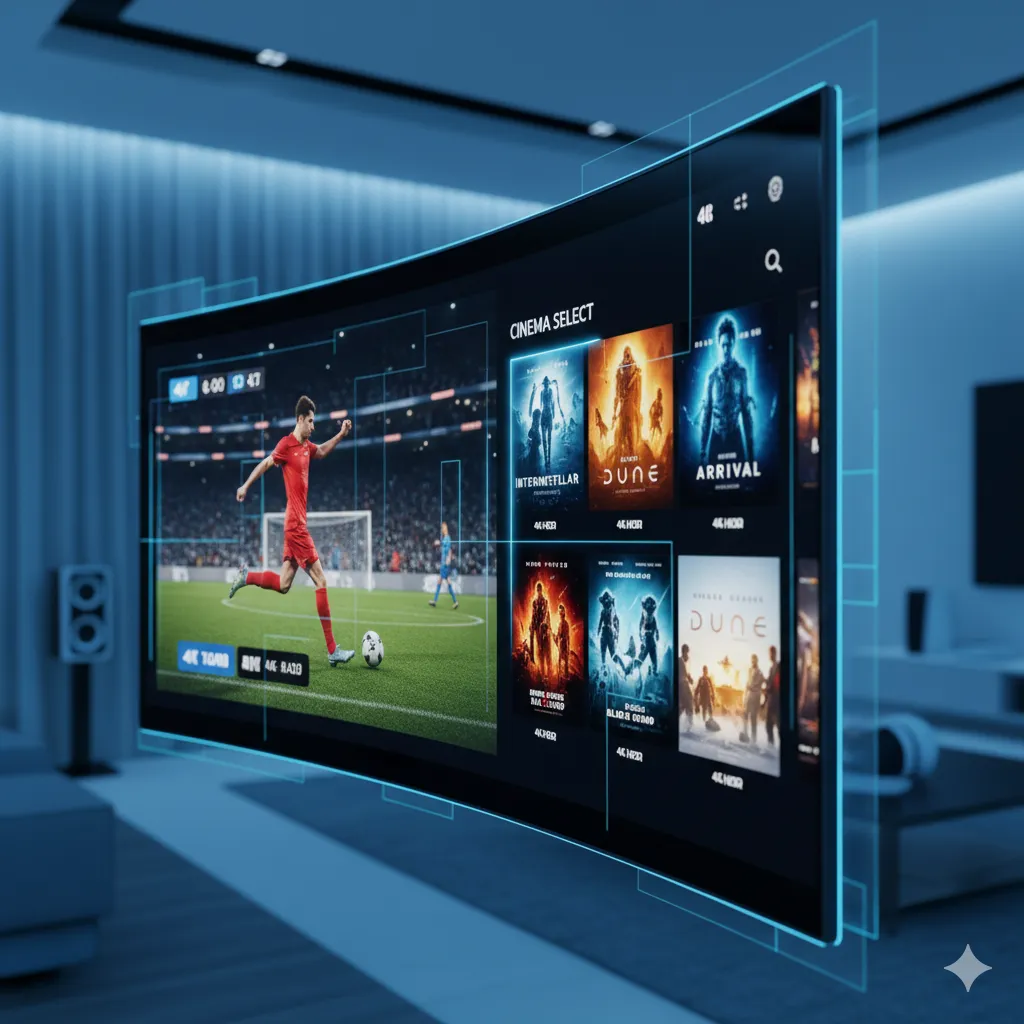
Why Android Is a Flexible Platform for IPTV
Android’s open architecture allows apps to be installed both through the Google Play Store and directly via APK files, which is a meaningful advantage for IPTV specifically. Many of the most capable IPTV player apps exist outside the Play Store’s content policies, so Android users get access to a wider range of players than iOS users typically do. This same openness is why Android powers such a wide range of IPTV hardware — phones, tablets, Android TV boxes, and a large share of budget and mid-range smart TVs all run some version of the same underlying OS.
The tradeoff is that “Android” isn’t one consistent experience. A five-year-old budget phone and a current-generation Android TV box both run Android, but they handle a demanding IPTV player app very differently. Processor speed, available RAM, and even the version of Android installed all affect how smoothly a channel list loads and how quickly the app switches between streams, which is why the exact same app can feel snappy on one device and sluggish on another despite an identical subscription behind it.
What to Look For in the Best IPTV Apps for Android
Two things determine whether an Android IPTV app is actually good, independent of how polished its interface looks in a screenshot.
Format Support
Nearly every IPTV subscription delivers its channel list through one of two standard formats: an M3U playlist URL or Xtream Codes login credentials. A genuinely capable app supports both without requiring a workaround, since providers vary in which format they issue. If an app only supports one format and your provider issues the other, you’ll need a second app anyway, which defeats the point of picking a single “best” one.
EPG and Interface Quality
The electronic program guide (EPG) is what turns a raw channel list into something browsable — showing what’s currently airing and what’s coming up next. A weak EPG implementation shows blank or outdated listings even when the actual video stream works fine. Favorites, categories, and search are the other interface basics worth checking; a 10,000-channel list with no way to organize it into a shorter favorites list quickly becomes unusable day to day.
It’s also worth checking how an app handles catch-up and video-on-demand content alongside live channels, if your subscription includes it. Some apps treat VOD as a bolt-on afterthought with a clunky separate menu, while others integrate it into the same browsing experience as live TV. Neither approach is wrong, but it’s worth knowing which one you’re getting before you settle on an app long-term.
Android Phone/Tablet vs Android TV Box: Different Needs
Watching IPTV on a phone or tablet is fundamentally a different use case than watching on an Android TV box connected to a television, and the best app for one isn’t always the best for the other. On a phone, battery efficiency, a touch-friendly interface, and picture-in-picture support while multitasking matter most. On an Android TV box, remote-control navigation, a 10-foot UI designed for viewing from a couch, and stable output to a large 4K display take priority instead.
Some apps handle both contexts well with an adaptive interface; others are clearly built for one and awkwardly ported to the other. If you plan to use the same subscription across a phone and a living-room box, it’s worth testing your chosen app on both before assuming it’ll feel equally good on each. Casting from a phone to a TV through Chromecast or a similar protocol is a reasonable middle ground if you don’t want to install a separate app on the TV itself, though it depends on your phone staying on and connected for the duration of viewing, which isn’t ideal for long sessions.
Popular IPTV Player Apps for Android Compared
A small number of player apps account for most Android IPTV installs, each with a slightly different focus:
| App Type | Best For | Notable Trait |
|---|---|---|
| EPG-Focused Players | Users who browse by schedule | Detailed program guide, catch-up support |
| Lightweight Players | Older or budget Android devices | Low resource use, faster load times |
| Multi-Screen Players | Households with several profiles | Grid view, multiple channels at once |
None of these player apps are tied to a specific IPTV provider — they’re neutral software that works with any compatible M3U or Xtream Codes subscription, so the “best” one is really the one whose interface style and resource footprint match your specific device and viewing habits.
Ready to switch to a reliable IPTV experience?
Installing IPTV Apps on Android: What to Expect
Google Play vs APK Sideloading
Some IPTV player apps are available directly on the Google Play Store, which is the simpler install path with automatic updates handled by the store. Others are only distributed as APK files, which requires enabling installs from unknown sources in your device settings first. Neither path is inherently better; Play Store apps are easier to keep updated, while sideloaded APKs sometimes offer features Play Store policies don’t allow. Our general setup guide covers the sideloading steps in more detail if you haven’t done it before.
Permissions to Watch For
A legitimate IPTV player app typically requests storage access (for caching) and network access, and sometimes notification permissions for EPG reminders. Be cautious of any player app requesting permissions unrelated to video playback, like contacts or SMS access, which have no functional reason to be tied to a streaming app. When installing from an APK rather than the Play Store, download the file directly from the developer’s own listed source rather than a random third-party mirror site, since repackaged APKs from unofficial mirrors are a realistic way to end up with modified software.
Battery, Data, and Performance Considerations on Mobile
Streaming IPTV on a phone or tablet draws noticeably more battery than most other apps, particularly at higher bitrates, so it’s worth keeping the device plugged in for extended viewing sessions. Data usage is the other major consideration if you’re not on Wi-Fi: an HD stream can consume several gigabytes per hour, which adds up fast on a limited mobile data plan. Most player apps let you cap streaming quality manually when on cellular data specifically, which is worth setting up once rather than forgetting about until a bill arrives.
If you’re planning to watch primarily on a tablet rather than a phone, our guide on watching IPTV on a tablet covers similar considerations from the iOS side, many of which apply just as well to Android tablets. Storage is a smaller but real factor too — EPG data and thumbnail caches accumulate over weeks of use, and clearing an app’s cache periodically (without clearing your login data) keeps things running at the same speed as a fresh install.
Common Android IPTV App Problems
A handful of issues account for most Android IPTV complaints, and most have a specific fix rather than being random:
- Apps that crash on launch or on channel switch are often a sign of a corrupted cache; clearing app data from Android settings resolves this in most cases. Our guide on fixing an IPTV app that keeps crashing covers the deeper causes.
- Audio that drifts out of sync with video usually points to a decoding mismatch on lower-powered devices rather than a subscription issue — see our audio sync troubleshooting guide for device-specific fixes.
- Background battery optimization settings on some Android phones aggressively kill streaming apps; whitelisting your player app from battery optimization prevents random disconnects during long viewing sessions.
How IPeeTV Flix Fits Into This Picture
IPeeTV Flix issues standard M3U and Xtream Codes credentials that work with the Android player apps covered in this guide, whether you’re watching on a phone, a tablet, or an Android TV box. Our channel library spans 20,000+ live channels with HD and 4K available depending on the specific channel, and connection limits are stated clearly per plan so you know exactly how many devices can stream at once. You can check current plans on our homepage, read more about how the service is run on our about page, or reach out through our contact page if you run into any app-specific setup question along the way. Whichever player app you settle on, the credentials we provide will work with it, so switching apps later if you change devices doesn’t mean starting the subscription setup over from scratch.
Frequently Asked Questions
What is the best IPTV app for Android in 2026?
There’s no single app that’s objectively best for everyone; the right choice depends on whether your provider issues M3U or Xtream Codes credentials, and whether you’re watching mainly on a phone or a living-room Android TV box. Prioritize apps that support both formats and have a clean, well-organized EPG.
Do I need to sideload an APK to get a good IPTV app on Android?
Not always. Some capable player apps are available directly on the Google Play Store. Others, particularly ones with more advanced EPG or multi-screen features, are only distributed as APK files that require sideloading through your device settings.
Does an IPTV app use a lot of mobile data?
Yes, HD streaming can use several gigabytes per hour on cellular data. Most player apps let you manually cap streaming quality specifically for mobile data connections, which is worth setting up if you’re not always on Wi-Fi.
Why does my IPTV app on Android keep crashing?
App crashes are most often caused by a corrupted cache rather than a broken subscription. Clearing the app’s storage and cache from Android settings, then reopening it, resolves the majority of crash issues.
Can the same IPTV app work on both my phone and my Android TV box?
Many player apps support both, but the interface experience can differ significantly between a touch-based phone layout and a remote-controlled TV layout. It’s worth testing your chosen app on both devices before assuming it performs equally well on each.
Is it safe to grant an IPTV app permissions on Android?
A legitimate IPTV player app typically only needs storage and network access. Be cautious of any app requesting unrelated permissions like contacts or SMS access, which have no functional connection to video playback.
Still comparing options? See our full plans and pricing.
