 Skip to content
If you’re comparing options for a sports IPTV subscription, you’ve probably noticed that most provider homepages promise the same thing: “all sports covered.” That phrase means very little without details on server capacity, stream quality during peak hours, and which sports categories are actually included versus loosely implied. Sports viewers have less patience for buffering than anyone else — a frozen stream during a last-minute goal or a championship point is a completely different problem than a paused sitcom.
This guide walks through what actually separates a dependable sports IPTV subscription from one that looks good on paper. We’ll cover content categories, streaming quality requirements, device setup, cost comparisons against traditional pay-TV, and the specific factors worth checking before you hand over payment for a plan built around live sports.
None of this is about chasing the single “best” provider on a list somewhere — it’s about giving you a checklist you can actually apply to any provider you’re considering, including the one you already have, so you know whether it’s genuinely built for sports or just marketed that way.
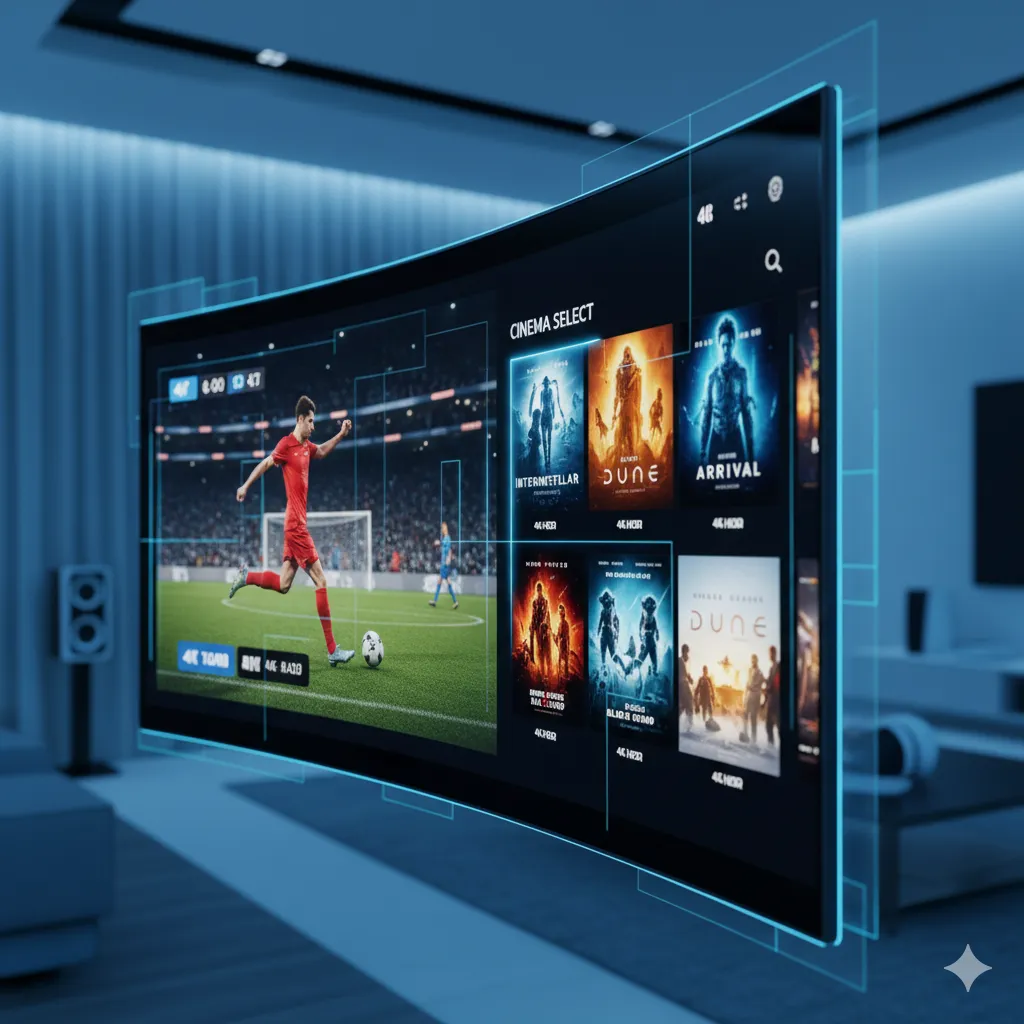
Why Sports Coverage Is Different From Regular IPTV Packages
General entertainment content is forgiving. If a movie buffers for ten seconds, you pause, wait, and continue. Live sports don’t offer that grace period — a dropped stream during a live match means missing the moment entirely, and there’s no rewind that brings back a goal you didn’t see live. This is why a sports IPTV subscription needs to be evaluated on different criteria than a general-purpose package: server load during simultaneous fixtures, bitrate stability under peak demand, and how many major leagues and events are covered without extra add-on fees.
There’s also a scheduling dimension that general entertainment doesn’t have. A movie library is available whenever you want it, but sports happen on a fixed clock, which means the provider’s infrastructure gets tested at very specific, predictable, high-traffic windows — weekend afternoons, weeknight prime time, and marquee event nights. A provider that hasn’t planned capacity around those specific windows will show its weaknesses exactly when you need it most.
According to the general background on how this delivery method works, IPTV delivers television content over internet infrastructure rather than traditional satellite or cable signal paths, which means your home connection quality directly affects what you experience — a factor that matters far more for live sports than for on-demand content.
What to Check Before You Subscribe
Before choosing a provider specifically for sports, it helps to look past the homepage marketing and check a few concrete details that determine whether Saturday afternoon actually goes smoothly.
Server Capacity During Peak Games
The busiest hours for any sports-heavy IPTV service are weekend afternoons and evenings, when multiple major fixtures overlap. A provider that performs well on a quiet Tuesday can behave completely differently when thousands of subscribers are watching simultaneous games. Ask (or test during a trial) how the service performs specifically during those peak windows, not during off-hours. If a provider offers any kind of trial or short first-month plan, treat that window as your actual test period rather than assuming a quiet weekday session tells you anything meaningful.
Multi-Sport vs Single-League Focus
Some services lean heavily toward one sport or region, while others build a broader package spanning multiple leagues, countries, and combat-sport events. If you follow more than one sport, or your household has different favorites, a broader package tends to deliver better long-term value than a narrow one that only fits one viewer’s habits. It’s worth listing out every sport and league that actually matters to your household before comparing providers, rather than assuming a general “sports package” label covers everything you personally watch.
Content Categories in a Sports-Focused Package
A well-rounded sports IPTV package typically spans several categories rather than a single league. Here’s roughly how that breaks down across the market:
| Category | Typical Coverage | Peak Demand Period |
|---|---|---|
| Top-tier soccer leagues | Regular season and cup fixtures | Weekend afternoons |
| US sports networks | Basketball, football, baseball coverage | Weeknight prime time |
| Combat sports and PPV events | Boxing and MMA cards | Saturday evenings |
| Regional and international sport | Cricket, rugby, motorsport | Varies by region |
If you want a closer look at how a package handles a specific league, our guides on the best IPTV setup for Premier League football and the best IPTV setup for NBA basketball go deeper into league-specific considerations, including how quality and reliability tend to hold up across a full season rather than just a single headline fixture.
Streaming Quality and Connection Requirements
Sports content punishes weak connections more than any other content type because of fast motion and rapid scene changes, which compress poorly at low bitrates. A connection that handles a static newsreader fine might visibly struggle with a fast break or a counter-attack. Before subscribing to any sports-heavy plan, it’s worth checking your actual home connection speed against the recommended minimums — our internet speed guide for IPTV lays out what you need for HD versus 4K sports streaming specifically.
Wired ethernet connections consistently outperform Wi-Fi for live sports, particularly on older routers or in homes with several devices competing for bandwidth during a big match. If buffering has been a recurring problem for you in the past, that’s usually the first thing worth fixing before blaming the provider. It’s also worth checking your router’s age and placement — a router tucked in a cabinet two rooms away from your streaming device will underperform even on a fast internet plan, regardless of how good the underlying subscription is.
Ready to switch to a reliable IPTV experience?
Device Setup for Watching Live Sports
Where you watch matters almost as much as what you’re watching. Getting your device set up correctly before kickoff avoids the scramble of troubleshooting an app mid-match.
Firestick and Android Boxes
Amazon Firestick and Android TV boxes remain the most popular setup for sports viewing because they support dedicated player apps with EPG (electronic program guide) integration, making it easy to see what’s live right now across every channel at a glance. These devices also tend to receive more frequent app updates, which matters for keeping playback stable as providers adjust their streaming infrastructure over time.
Smart TVs and Consoles
Samsung and LG smart TVs increasingly support IPTV apps natively, while console-based viewing (PS5, Xbox) usually runs through a browser workaround rather than a dedicated app. If you’re setting up for the first time on any device, our full setup guide walks through the process step by step so you’re not troubleshooting during the first big game.
Football, Basketball, and Combat Sports Coverage
Most sports IPTV subscribers are following more than one thing at once — a domestic football league, an NBA season, and the occasional boxing or UFC pay-per-view card. A package built for sports fans should reasonably cover all three without forcing separate add-on purchases for each. If pay-per-view boxing and UFC cards are a priority for you specifically, our dedicated guide to IPTV for PPV boxing and UFC events covers what to expect from that category on top of the standard channel package.
Comparing Sports IPTV to Traditional Cable Sports Packages
Traditional cable and satellite sports packages have historically bundled specific channels at a premium price, often requiring separate add-on tiers for each league or event you care about, plus equipment rental fees and long contracts. A sports-focused IPTV subscription generally consolidates a wider range of leagues and events into a single monthly cost without requiring separate hardware, though the trade-off is that quality depends more directly on your own home internet connection rather than a dedicated satellite or cable signal. For households already juggling multiple sports subscriptions, consolidating into one well-built IPTV package is often simpler to manage and easier to budget for month to month.
Avoiding Buffering During Big Matches
Buffering during a livestream almost always comes down to one of three things: an overloaded provider server, a weak home connection, or a device running too many background processes. Before a major fixture, it helps to close unused apps on your streaming device, confirm no other device on your network is mid-download, and restart your router if it’s been running for several days straight. These small habits solve a surprising share of “the stream keeps freezing” complaints that have nothing to do with the subscription itself.
If a specific channel consistently underperforms regardless of what you’ve tried, that’s worth flagging directly to support rather than assuming the whole subscription is at fault — a single channel issue is usually fixable on the provider’s end within a short window.
How IPeeTV Flix Fits Into This Picture
IPeeTV Flix includes sports coverage as part of its broader channel library of 20,000+ live channels, spanning major soccer leagues, US sports networks, and combat-sport events alongside entertainment, news, and international content. Streams are offered in HD and 4K depending on the channel, and if a specific match or channel gives you trouble, our support team is reachable directly over WhatsApp rather than a slow ticket queue — you can find that contact option on our contact page. To see the full picture of who we are and how the service is run, visit our about us page, or head to the IPeeTV Flix homepage to check current plans before your next big match weekend.
Frequently Asked Questions
What should I look for in a sports IPTV subscription?
Focus on server stability during peak viewing hours, how many major leagues and events are covered without extra fees, and whether the provider supports HD or 4K streaming for fast-motion sports content. Channel count alone doesn’t tell you much without those details.
Do I need a fast internet connection for sports IPTV?
Yes, more than for general content. Live sports involve rapid motion that compresses poorly at low bitrates, so a stable connection of at least 15-25 Mbps is recommended for smooth HD or 4K sports streaming, ideally over a wired connection.
Can one IPTV subscription cover multiple sports?
Most sports-focused IPTV packages include multiple categories rather than a single league, covering soccer, basketball, and combat-sport events under one subscription rather than requiring separate purchases for each.
Why does my sports stream buffer more than other content?
Fast motion and frequent scene changes in sports footage require more consistent bandwidth than slower content like a talk show. Server load during peak game times and home connection strength are usually the two biggest factors.
Is IPTV a good option for watching live sports?
IPTV can be a strong option for accessing a wide range of sports content in one place, as long as you choose a provider with dependable server capacity and check your own connection speed beforehand.
How does a sports IPTV subscription compare in cost to cable sports packages?
IPTV subscriptions generally consolidate a wider range of leagues and events into one monthly cost without separate equipment rental or long contracts, though actual value depends on which specific sports and leagues you follow.
Still comparing options? See our full plans and pricing.
