 Skip to content
IPTV apps often blur together three genuinely different viewing modes under one interface, and understanding the difference between live TV, catch-up TV, and the VOD (video on demand) library clears up a lot of confusion about why a specific show is or isn’t available when you go looking for it.
This guide breaks down exactly what each mode actually is, how catch-up’s time-limited window works, and why the VOD library behaves more like a standard streaming service’s catalog than a TV schedule.
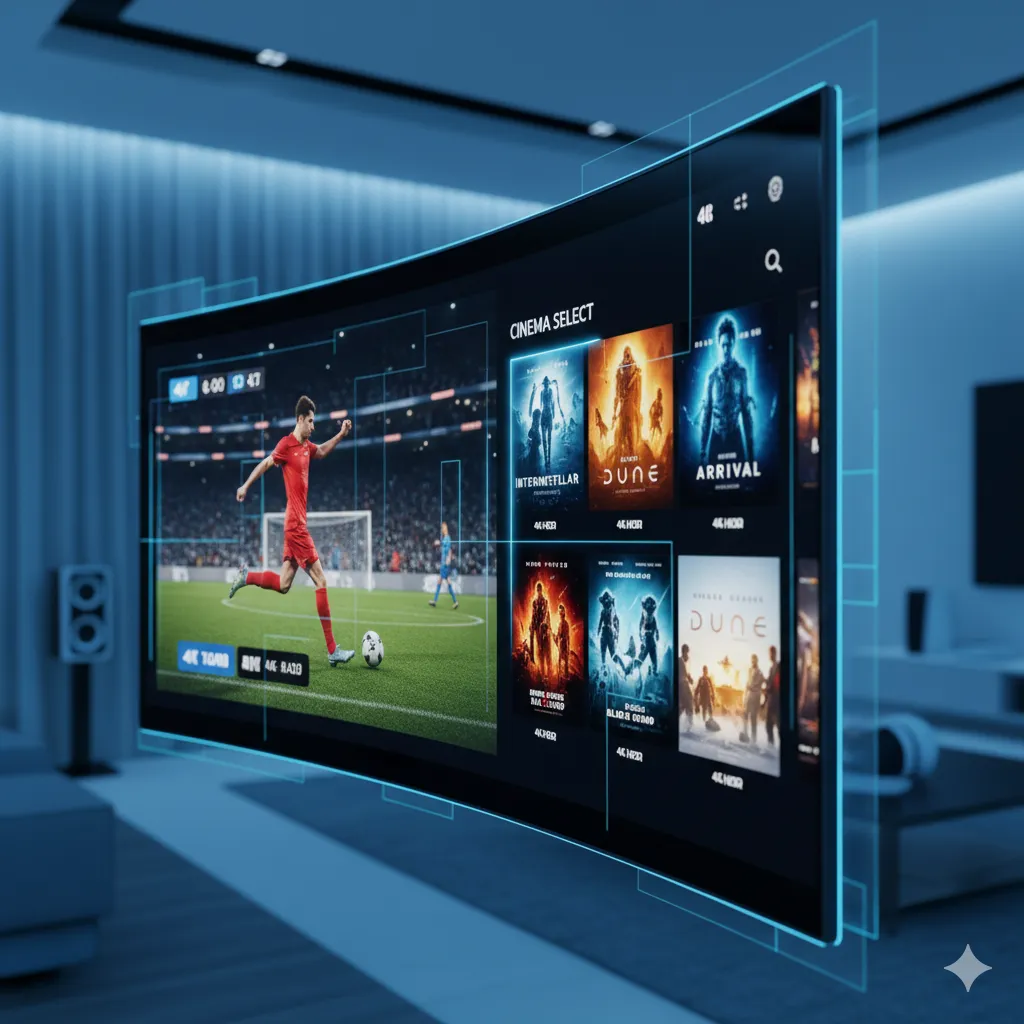
Three Different Things That Get Lumped Together
Catch-up TV, VOD (video on demand), and plain live TV are three genuinely different viewing modes that IPTV blends together, and knowing which one you’re actually using explains a lot of otherwise confusing behavior. Live TV is exactly what it sounds like: watching a channel’s real-time broadcast, with no ability to rewind past what your player has already buffered. Catch-up TV lets you go back and watch a specific program that already aired on a specific channel within a limited recent window, typically the last few days to a couple of weeks. VOD is a separate, standing library of movies and series available any time, not tied to when they originally aired.
The confusion usually shows up as “why can’t I find yesterday’s episode of a show” — the answer depends entirely on whether that show is available through catch-up (tied to the channel and a limited time window) or has been separately added to the VOD library (available indefinitely, but only if a provider has actually included it there).
How Catch-Up TV Actually Works
Catch-up access is usually presented as a small icon or a separate tab next to a channel in your IPTV app’s guide, letting you scroll backward through that channel’s recent schedule and select a program that already aired rather than only what’s live right now. Availability windows vary by channel and by provider, commonly ranging from a few days up to a couple of weeks, and not every channel in a lineup necessarily supports catch-up even if most do.
Why It’s Not Unlimited
Catch-up isn’t unlimited mainly because it requires storing and serving recordings of everything that aired, which is a genuinely heavier ongoing cost than live TV alone, so providers set a rolling window rather than an indefinite archive. If you specifically want to make sure you don’t miss something, watching live or checking catch-up within a few days of broadcast is the safer habit rather than assuming it’ll still be there weeks later.
How the VOD Library Is Different
The VOD section of an IPTV app is a separate, browsable catalog of movies and series, organized more like a standard streaming platform’s library than a TV guide, and it isn’t tied to any particular channel’s broadcast schedule at all. Content here can stay available for a long stretch, though libraries do get refreshed and rotated over time, similar to how mainstream streaming platforms periodically add and remove titles.
Want to check what’s currently in the catch-up window or VOD library?
Quick Reference: Which One Do You Actually Want?
| You Want To… | Use This |
|---|---|
| Watch what’s airing right now | Live TV |
| Watch a specific episode that aired a few days ago | Catch-up TV (if the channel supports it and it’s within the window) |
| Watch a movie or full series whenever you want | VOD library |
| Watch something that aired weeks or months ago on a live channel | Usually not available via catch-up; check the VOD library instead |
Can You Download Content for Offline Viewing?
Most IPTV apps, including catch-up and VOD sections, are built for streaming rather than offline downloading, unlike some mainstream on-demand platforms that let you save a title locally for later. This is a reasonable expectation to set going in if offline viewing (for travel, or an area with unreliable internet) is something you specifically need, since it’s the exception rather than the norm across IPTV apps generally.
How Series Are Organized in VOD
A well-organized VOD library groups a series by season and episode, similar to how a standard streaming platform presents its catalog, rather than dumping every episode into one flat, unsorted list. If a provider’s VOD section feels genuinely hard to navigate, that’s more a reflection of how their catalog is organized and tagged than a fundamental limitation of VOD as a concept, and it’s a reasonable thing to raise directly if it’s affecting your experience.
How IPeeTV Flix Fits Into This Picture
IPeeTV Flix includes both catch-up TV on supported channels and a regularly updated VOD library alongside live channels, so you’re not limited to only what’s airing at the exact moment you tune in. If you’re looking for something specific and aren’t sure which mode it falls under, ask through the contact page. See our IPTV terms glossary for more terminology, or the homepage for current plans.
Frequently Asked Questions
What’s the difference between catch-up TV and VOD on IPTV?
Catch-up TV lets you rewatch a program that recently aired on a specific live channel within a limited time window, while VOD is a separate, standing library of movies and series not tied to any broadcast schedule.
How far back does IPTV catch-up usually go?
It varies by channel and provider, but a rolling window of a few days up to a couple of weeks is common, rather than an unlimited archive.
Why isn’t every show available in catch-up after it airs?
Not every channel in a lineup necessarily supports catch-up, and even where it’s supported, the window is time-limited rather than indefinite, since storing every broadcast indefinitely is a heavier ongoing cost than live TV alone.
Does the VOD library change over time?
Yes, VOD catalogs do get refreshed and rotated periodically, similar to how mainstream streaming platforms add and remove titles over time.
If I miss a live broadcast, will it definitely be in the VOD library later?
Not necessarily. Catch-up and VOD are separate systems, so a missed live broadcast is only recoverable through catch-up within its time window, or if that specific content has separately been added to the VOD catalog.
Ready to explore live, catch-up, and VOD in one place?
