 Skip to content
A 4K IPTV subscription sounds like a straightforward upgrade — sharper picture, better detail, worth the extra cost. In practice, whether 4K actually delivers a noticeable improvement depends on a handful of factors most providers don’t explain clearly: your internet speed, your TV’s actual resolution and size, which specific channels are available at that tier, and whether your streaming device can decode 4K content without stuttering. This guide breaks down what you genuinely need before paying more for a 4K-capable plan.
We’ll cover bandwidth requirements, hardware compatibility, which content categories typically get 4K treatment, HDR and other quality factors that matter as much as raw resolution, and how to tell whether the upgrade is worth it for your specific setup.
None of this is meant to talk you out of a 4K plan — for the right setup, it’s a genuinely worthwhile upgrade. The goal is simply to make sure the money you’re spending on it actually translates into a picture you can see the difference in, rather than paying for a resolution your screen or connection can’t fully take advantage of.
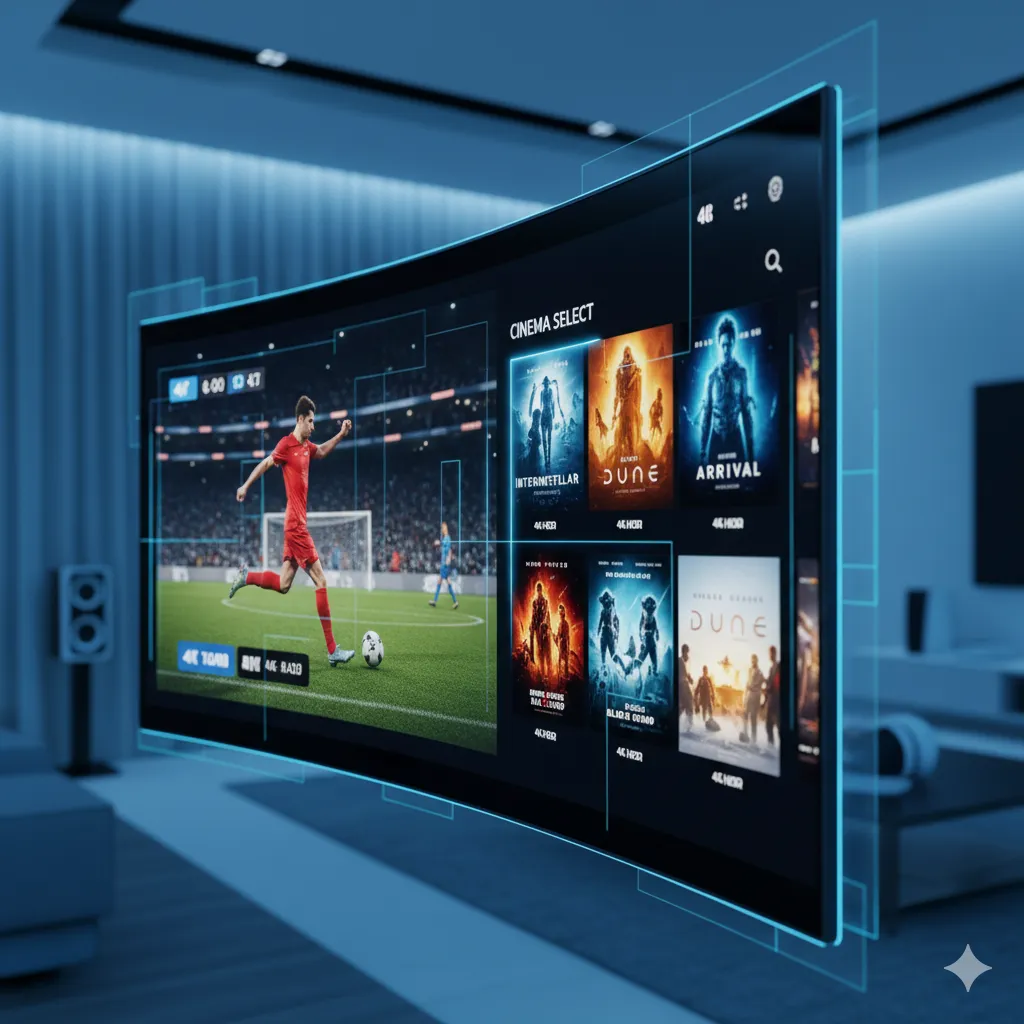
What “4K” Actually Means for an IPTV Stream
4K, also called Ultra HD, refers to a resolution of roughly 3840×2160 pixels — four times the pixel count of standard 1080p HD. The 4K resolution standard has become increasingly common across televisions and streaming content over the past decade, but resolution alone doesn’t guarantee a better picture if the source bitrate is too low to support it — a poorly compressed 4K stream can actually look worse than a well-compressed HD one.
This is a common point of confusion: a channel labeled “4K” on a provider’s list only delivers a genuinely better picture if the bitrate feeding that resolution is high enough to avoid compression artifacts. A 4K stream squeezed down to a bitrate meant for HD content will often show more visible blocking and softness than a properly encoded HD stream at the correct bitrate for its resolution.
Bandwidth and Hardware Requirements
Before subscribing to a 4K-capable plan, it’s worth confirming your setup can actually take advantage of it. Two things matter most: your internet connection and your playback device.
Internet Speed Needed
4K streaming generally requires a stable connection of 25 Mbps or higher, noticeably more than the 4-8 Mbps that comfortably handles standard HD. Our internet speed guide for IPTV breaks down recommended speeds by quality tier in more detail, including what headroom you need if multiple devices share the same connection. Keep in mind that your advertised ISP speed and your actual measured speed at the moment of streaming aren’t always the same thing, especially during your own household’s peak usage hours.
Device and TV Requirements
Your streaming box or app needs to support 4K decoding, and your TV needs an actual 4K panel to display the extra resolution — upscaled HD content on a 4K TV is not the same as native 4K streaming. Older Firestick models and budget Android boxes sometimes lack the processing power for smooth 4K playback even with a fast enough connection, so it’s worth checking your specific device’s specs rather than assuming every streaming box handles 4K equally well.
Which Content Is Typically Available in 4K
Not every channel in a large IPTV library streams at 4K, and that’s normal rather than a sign of a poor provider. Coverage generally breaks down like this:
| Content Type | Typical 4K Availability |
|---|---|
| Major sports events | Common on marquee fixtures |
| Movies and VOD | Frequently available, source-dependent |
| Regular entertainment channels | Mixed, varies by broadcaster |
| News and talk programming | Less common, HD is standard |
The source broadcaster’s own production quality plays a big role here — a provider can’t stream a channel in 4K if the original signal was never produced at that resolution in the first place. If sports is your main reason for wanting 4K specifically, our sports IPTV subscription guide covers how quality tiers typically apply to live sports content.
HDR and Other Quality Factors
Resolution isn’t the only factor in picture quality. HDR (High Dynamic Range) improves contrast and color range independently of resolution, meaning a well-produced HD stream with good color handling can sometimes look more impressive than a flat, poorly graded 4K one. If picture quality matters a lot to you, don’t evaluate a plan purely on the 4K label — overall production quality and bitrate stability matter just as much. Frame rate is another overlooked factor, particularly for sports, where a smooth, consistent frame rate at a lower resolution can look better in motion than a higher-resolution stream that drops frames under load.
Ready to switch to a reliable IPTV experience?
Device Setup for 4K Streaming
Getting a clean 4K stream usually comes down to a wired ethernet connection wherever possible, a device that officially supports 4K decoding, and an HDMI cable rated for the bandwidth 4K content requires (an older HDMI cable can bottleneck an otherwise capable setup). Our full setup guide and best IPTV for smart TVs guide both cover device-specific configuration in more depth.
Is 4K Worth Paying Extra For?
For a small TV or a household mostly watching on tablets and phones, the jump from HD to 4K is barely noticeable and probably not worth the higher plan cost. On a large-screen TV watched from a normal living-room distance, particularly for sports and high-detail content, the difference becomes much more apparent. Screen size and viewing distance genuinely matter more here than most people expect — a 4K picture on a 40-inch TV viewed from across a large room offers a much smaller visible improvement than the same resolution on a 65-inch screen viewed up close. If you’re weighing a premium plan generally, not just for 4K specifically, our premium IPTV subscription guide covers what else typically comes bundled at that tier.
Common 4K Streaming Problems and Fixes
The most common 4K complaint is stuttering or the stream dropping back to a lower resolution mid-playback, usually caused by insufficient bandwidth rather than a provider issue. Checking your actual measured speed (not just your plan’s advertised speed) against our recommended minimums, switching to a wired connection, and closing other bandwidth-heavy activity on your network during viewing all resolve the majority of these cases.
How IPeeTV Flix Fits Into This Picture
IPeeTV Flix offers 4K streaming across a meaningful portion of its 20,000+ live channel library, alongside standard HD for content where 4K source signals aren’t available. If you’re unsure whether your device or connection can handle 4K playback smoothly, our support team can walk you through it directly over WhatsApp via the contact page. Learn more about the service on our about us page, or visit the IPeeTV Flix homepage to check which plans include 4K access.
Frequently Asked Questions
Do I need a special internet plan for a 4K IPTV subscription?
You don’t need a special plan, but you do need enough measured speed, generally 25 Mbps or higher, delivered consistently to your streaming device rather than just an advertised top speed from your ISP.
Will 4K work on any streaming device?
No. Older Firestick models and budget Android boxes sometimes lack the processing power for smooth 4K decoding even with a fast enough connection. Check your specific device’s supported resolution before assuming it handles 4K well.
Is every channel available in 4K?
No, 4K availability depends on the source broadcaster’s original production quality. Major sports events and movies are more commonly available in 4K than regular entertainment or news channels.
Is 4K IPTV worth the extra cost?
It depends on your screen size and viewing distance. On a large TV watched up close, the difference is noticeable, especially for sports. On smaller screens or mobile devices, HD is often visually indistinguishable from 4K.
Why does my 4K stream keep dropping to a lower resolution?
This is usually caused by insufficient or inconsistent bandwidth rather than a provider-side issue. Check your actual measured speed, switch to a wired connection if possible, and avoid other heavy network activity during viewing.
Does HDR matter as much as resolution for picture quality?
Yes. HDR improves contrast and color range independently of resolution, so a well-produced HD stream with good color handling can sometimes look more impressive than a poorly graded 4K stream.
Still comparing options? See our full plans and pricing.
