 Skip to content
Sports viewing is the single toughest test for any IPTV setup. A service that handles a quiet Tuesday evening of news and entertainment without issue can fall apart the moment thousands of subscribers all tune into the same live match at once. Finding the best IPTV for sports fans means looking past channel counts and paying close attention to the things that actually matter on game day: server stability under peak load, real connection speed requirements, and how a provider handles pay-per-view events.
This guide walks through what to check before committing to a sports-focused IPTV plan, from bandwidth needs to device setup and the most common problems that show up specifically during live sports, not everyday viewing.
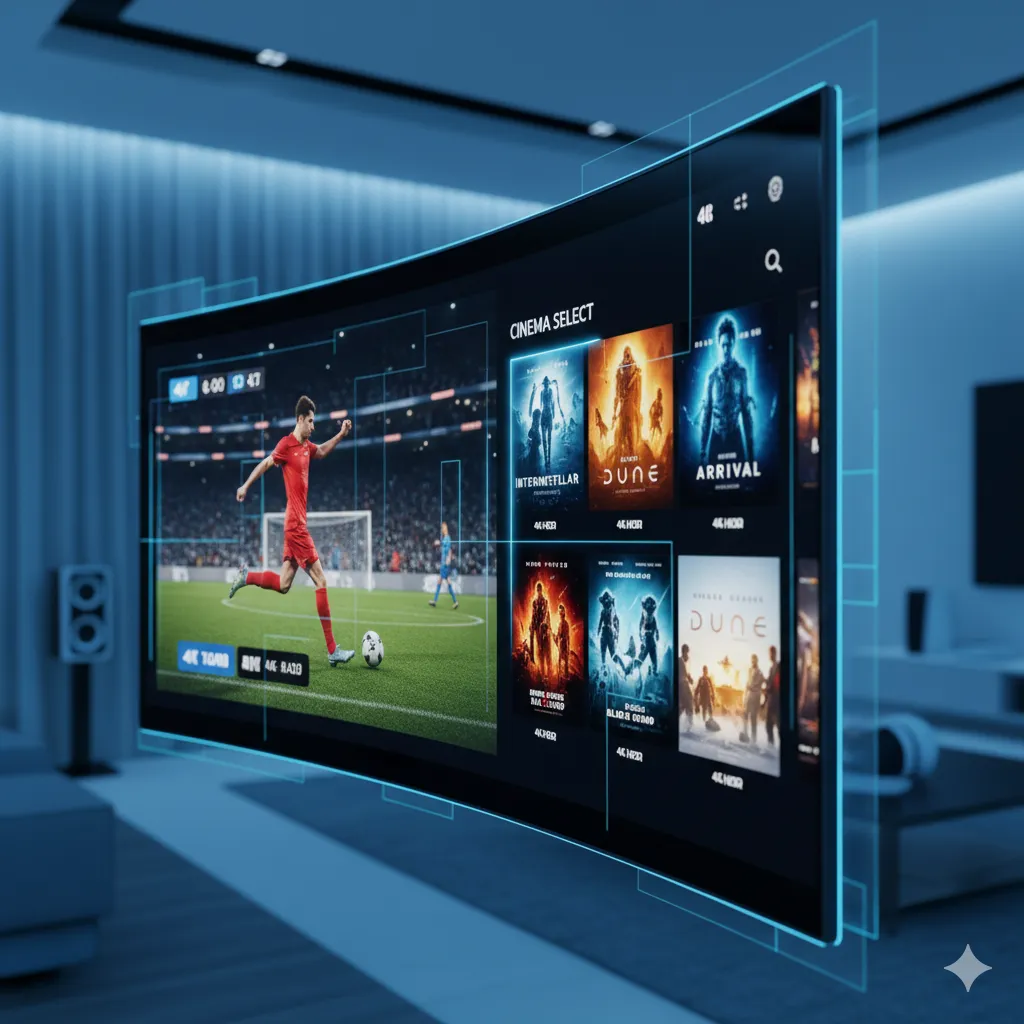
What Sports Fans Actually Need From IPTV
Unlike a movie or a recorded show, live sports can’t be paused and resumed later without losing the point of watching it live. That makes reliability during a specific two-to-three-hour window far more important than almost anything else on a spec sheet. Three things matter most: server capacity that holds up when everyone else is also watching the same match, an accurate schedule so you’re not guessing which channel carries a specific game, and a low-latency stream close enough to real time that scores and commentary aren’t noticeably behind actual play.
Channel count matters less here than in other categories. A provider with fewer sports channels that all stream reliably during peak hours is a better fit for a sports fan than one with a longer list that buffers during the exact moments that matter.
It also helps to think about how you actually watch sports rather than sports in the abstract. Someone who follows one league closely and rarely watches anything else has very different needs than someone who jumps between football, basketball, and combat sports depending on the season. The first person should prioritize rock-solid coverage of that one league specifically; the second benefits more from broad category coverage even if any single league’s depth is a bit thinner.
Live Sports Streaming: Bandwidth and Stability
Live sports streams are more bandwidth-sensitive than most other content because there’s no buffer window to smooth over a temporary dip in your connection — any drop shows up immediately as stuttering or a frozen frame.
Recommended Connection Speeds for Sports
HD sports streaming generally needs a stable connection in the 8-15 Mbps range, and 4K sports coverage pushes that closer to 25+ Mbps sustained, not just as a peak speed. Before subscribing specifically for sports, it’s worth running a real speed test with a tool like Speedtest during the same evening hours you’ll actually be watching, since ISP speeds often dip during peak neighborhood usage — the same hours most live sports air. It’s worth testing on a weekend evening specifically, not a quiet weekday afternoon, since that’s a far more realistic picture of what your connection will actually deliver when a big match kicks off.
Wired vs Wi-Fi During Big Events
Wi-Fi is fine for most everyday IPTV viewing, but for a high-stakes match where buffering would genuinely ruin the experience, a wired Ethernet connection removes a major variable. Wi-Fi congestion in dense apartment buildings tends to spike during major sporting events specifically, since everyone nearby is likely streaming the same thing at the same time on the same shared spectrum. A simple Ethernet adapter for a streaming stick or box is a small, one-time cost that removes this variable entirely, and it’s one of the more overlooked upgrades sports fans can make compared to constantly troubleshooting Wi-Fi settings during every big game.
Sports Channel Coverage: What to Check
Rather than judging a provider by a vague “sports channels included” claim, check coverage against the specific leagues and competitions you actually follow. A provider can have strong football coverage and weak basketball coverage, or vice versa, so a general sports category label tells you less than checking the actual channel list against your own list of must-watch competitions. Our guides on IPTV for Premier League football and IPTV for NBA basketball go deeper into league-specific coverage if either is your main reason for subscribing.
PPV Events and How They’re Typically Handled
Pay-per-view boxing, combat sports, and select marquee events are handled differently across providers — some include them as part of a standard subscription, others treat them as a separate add-on. Before assuming a PPV event is automatically included, check specifically rather than finding out on fight night. Our PPV events guide breaks down how this typically works and what questions to ask a provider in advance.
It’s also worth asking how far in advance a PPV event typically gets added to a provider’s schedule and EPG. A provider that lists an event days ahead, with an accurate start time, gives you confidence the coverage is actually planned rather than added last-minute in a way that increases the odds of technical issues on the night itself.
Ready to switch to a reliable IPTV experience?
Best Devices for Game-Day Viewing
Device choice affects sports viewing more than casual viewing because of how much it influences load times and channel-switching speed — both of which matter when you’re jumping between simultaneous games:
| Device | Strength for Sports | Consideration |
|---|---|---|
| Android TV Box | Fast channel switching, wired Ethernet support | Best paired with a physical connection |
| Firestick 4K/4K Max | Good balance of price and performance | Wi-Fi only unless using an adapter |
| Smart TV App | Simplest setup, no extra hardware | App performance varies significantly by TV brand |
If watching sports is your primary reason for subscribing to IPTV, a wired Android TV box is generally the safest choice specifically because it removes Wi-Fi variability during the exact moments reliability matters most. Whichever device you choose, keep the player app updated and restart it periodically rather than letting it run for weeks straight; a fresh app state loads channels noticeably faster than one that’s been idling with an accumulated cache since the last big match.
Multi-Connection Plans for Watching Multiple Games
Sports fans following more than one league or competition often want to watch two games at once — one on the main TV, another on a tablet or second screen. This is where connection limits matter more than for casual viewers; a single-connection plan makes this impossible without logging out of one stream to start another. If simultaneous multi-game viewing is part of your routine, a 2-4 connection plan is worth the extra cost specifically for that flexibility, even if you’d otherwise be fine on a lower tier. Group viewing situations — watch parties, shared households during a major tournament — are another reason multiple connections matter more for sports fans than for average viewers, since everyone wants their own screen rather than crowding around one device.
Common Sports-Streaming Problems and How to Fix Them
A few issues show up disproportionately during live sports compared to regular viewing, mostly because of the concentrated demand on both the server and your own connection at the same time:
- Lag or delay compared to a neighbor’s cable broadcast is usually a combination of encoding and buffering settings rather than a broken stream — our guide on why IPTV lags explains the technical reasons and what’s normal versus what isn’t.
- Buffering specifically during high-viewership matches often reflects server load rather than your own connection; testing the same channel during a lower-demand match can help confirm which one is the actual cause.
- A frozen or offline server mid-match is rare but does happen during exceptionally high-demand events; having a backup player app or, in some cases, a backup provider for the highest-stakes events is a reasonable precaution for serious sports fans.
- Poor picture quality that only shows up during sports, while everything else looks fine, often means the specific broadcast source for that channel is weaker than the rest of the provider’s library rather than a general problem with your setup.
Keeping a simple checklist before a major event goes a long way: confirm the channel and kickoff time in the EPG a day ahead, run a quick speed test on the device you’ll actually watch on, and have a backup app or device ready in case your primary setup has an issue. None of this takes more than a few minutes, and it turns a potential mid-match scramble into a non-event.
How IPeeTV Flix Fits Into This Picture
Our channel library includes sports coverage as part of the broader 20,000+ live channel list, with HD and 4K available depending on the specific channel and broadcast source. Connection limits are stated clearly per plan, which matters if simultaneous multi-game viewing is part of your routine, and support runs directly over WhatsApp so a mid-match issue gets a fast response rather than a ticket queue. Before subscribing specifically for sports, we’d recommend running through our setup guide to confirm your device and connection are ready, checking our about page for transparency on how the service is run, and reaching out via our contact page if you want to confirm specific league or event coverage before your first match. You can see current plans on the IPeeTV Flix homepage as well.
Frequently Asked Questions
What internet speed do I need for IPTV sports streaming?
HD sports streaming generally needs a stable 8-15 Mbps connection, and 4K sports coverage needs closer to 25+ Mbps sustained. Test your actual speed during evening hours when both your neighborhood traffic and IPTV server demand are highest.
Is a wired connection really necessary for watching sports on IPTV?
It’s not strictly necessary, but a wired Ethernet connection removes Wi-Fi congestion as a variable, which matters most during high-demand events when buffering would be most disruptive. Wi-Fi works fine for most other viewing.
Are pay-per-view sports events included in an IPTV subscription?
It depends entirely on the provider; some include PPV events as part of a standard subscription while others treat them as a separate add-on. Always check with a provider directly before assuming coverage for a specific event.
How many connections do I need to watch two games at once?
You need at least a 2-connection plan to stream two different games simultaneously on separate devices without logging one out to start the other. Serious multi-game viewers often prefer a 3-4 connection plan for more flexibility.
Why does my IPTV sports stream lag behind a cable broadcast?
A small delay compared to traditional broadcast is normal and comes from encoding and buffering in the streaming pipeline itself. Excessive lag beyond a few seconds usually points to server load or a weak connection rather than being an inherent limitation.
Does a bigger channel count mean better sports coverage?
Not necessarily. A provider with a shorter but reliable sports lineup covering the specific leagues you follow is a better fit than one with a larger overall channel count that includes leagues you never watch.
Still comparing options? See our full plans and pricing.
